
Zep v3: Context Engineering Takes Center Stage
Context engineering > prompt engineering: Zep v3 assembles memory & business data for agents that work.


Context is what makes or breaks agent applications. Early on, everyone focused on prompt engineering—tweaking the exact wording to get better responses. But as we've built more complex agents, it's become clear the real work is in context engineering: systematically assembling the right information around your LLM.
Shopify's CEO Tobi Lütke put it well: the core skill is "providing all the context for the task to be plausibly solvable by the LLM." Andrej Karpathy calls it "the delicate art and science of filling the context window."
I really like the term “context engineering” over prompt engineering.
It describes the core skill better: the art of providing all the context for the task to be plausibly solvable by the LLM.
Working with customers this past year confirmed what we suspected: agents need more than chat history. They need user preferences, business relationships, and domain knowledge—all assembled intelligently. Memory was just the starting point.
We're releasing v3 of our SDKs with modernized APIs that put context engineering front and center. Here's what's changed and how to migrate from v2.
+1 for "context engineering" over "prompt engineering".
People associate prompts with short task descriptions you'd give an LLM in your day-to-day use. When in every industrial-strength LLM app, context engineering is the delicate art and science of filling the context window…
Why Context Engineering?
Context engineering is building systems that give LLMs exactly what they need to solve problems reliably. Instead of crafting individual prompts, you're creating dynamic pipelines that pull relevant information from multiple sources and format it properly.
The problem it solves is simple: agents fail when they lack context. Your model might be sophisticated, but without knowing who the user is, what they've done before, or how your business works, it gives generic or wrong answers.
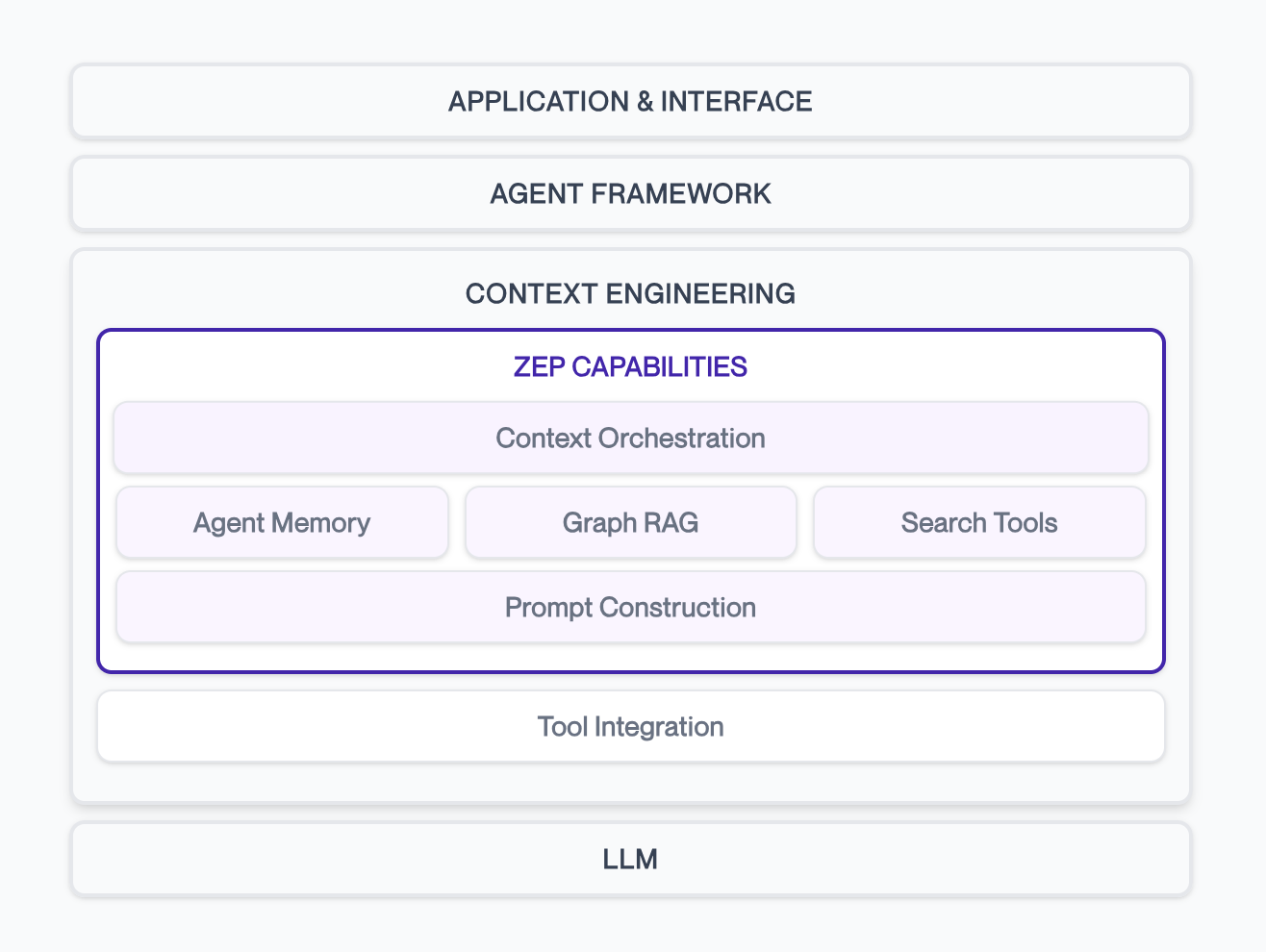
Context engineering works across a few layers:
- Application Layer: Your agent framework and business logic
- Context Assembly: Retrieval and formatting of relevant information
- Knowledge Storage: User memory, business data, conversation history
- Data Sources: Everything from chat logs to CRM systems
Zep handles the context assembly part—intelligently retrieving information from your knowledge layer and packaging it for LLM consumption. This includes managing temporal relationships (facts change over time), different context types (user vs. business), and formatting optimized for your model.
The result: agents that understand not just what users say, but who they are and how your business works.
Why v3?
Our API evolved organically as customers built increasingly complex agents. v3 cleans up the inconsistencies and adds patterns that emerged from real usage.
We've streamlined the core workflows, enhanced Graph RAG capabilities, and removed deprecated methods. The naming is clearer and better reflects how developers actually think about context assembly.
import { v4 as uuid } from "uuid"; // Generate a unique thread IDconst threadId = uuid(); // Create a new thread for the userawait client.thread.create({ threadId: threadId, userId: userId,});V3 Threads API (TypeScript SDK)
Most importantly, v3 builds on what's already working. Your existing applications will continue to work with minimal changes, but you'll have cleaner paths to advanced context engineering patterns.
The API now matches how teams actually build context-aware agents, making it easier to go from basic memory to sophisticated personalization.
What Happens to v2?
We'll be announcing a deprecation timeline for v2 in the coming months. This will provide you and your team time for migration to the new v3 APIs.
import jsonjson_data = { "employee": { "name": "Jane Smith", "position": "Senior Software Engineer", "department": "Engineering", "projects": ["Project Alpha", "Project Beta"] }}client.graph.add( user_id=user_id, type="json", data=json.dumps(json_data))Adding Business Data to a User Graph (Python SDK)
Migration from v2 to v3
To migrate from v2 to v3, follow our migration guide for detailed instructions on upgrading.
import ( "context" v3 "github.com/getzep/zep-go/v3") memory, err := client.Thread.GetUserContext(context.TODO(), threadId, nil)if err != nil { log.Fatal("Error getting memory:", err)}// Access the context block (for use in prompts)contextBlock := memory.Contextfmt.Println(contextBlock)Retrieving a Pre-Assembled Context Block (Go SDK)
API Changes Overview
v3 primarily updates terminology and method names for better clarity. Key changes include session → thread, group → graph, role_type → role, and role → name. Notably, groups are now called graphs, since they represent arbitrary graphs and are not necessarily tied to a group of users.
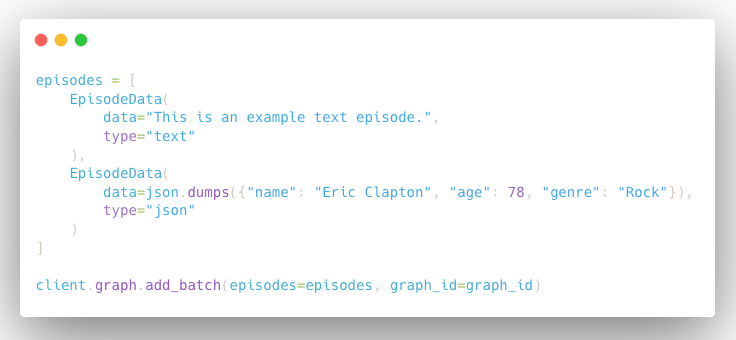
The most significant functional change is the new mode parameter in thread.get_user_context. When mode="summary" (default), the retrieved context is summarized into natural language. When mode="basic", the context block is returned faster (P95 < 200ms) and contains the raw facts and entities retrieved from the graph (equivalent to the v2 memory.get).
query = "What projects is Jane working on?" edge_results = client.graph.search( graph_id=graph_id, query=query, scope="edges", limit=5, search_filters={ "node_labels": ["Projects"] },)Directly Searching a Graph with Advanced Ontology Filters (Python SDK)
New Features Overview
v3 introduces several powerful capabilities:
- Enhanced Context Summarization: Automatic natural language summarization of retrieved context with option to use unsummarized context
- New Default Entity and Edge Types: Redesigned general and comprehensive entity types for improved knowledge graph construction
- Batch Ingestion with Temporal Support: Efficient batch processing while preserving chronological relationships
- Datetime Filtering: Precise temporal constraints on graph search results
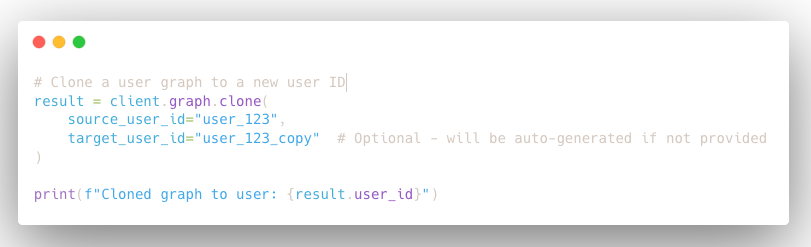
- Graph Cloning: Complete duplication of user or group graphs for testing and data management
- Reranker Score: Relevance Scores are now returned with search results, allowing for filtering
Enhanced Context Summarization
The thread.get_user_context method now provides summarized context by default. For applications requiring reduced latency (P95 < 200ms), set mode="basic". Learn more about context retrieval.
Batch Ingestion with Temporal Support
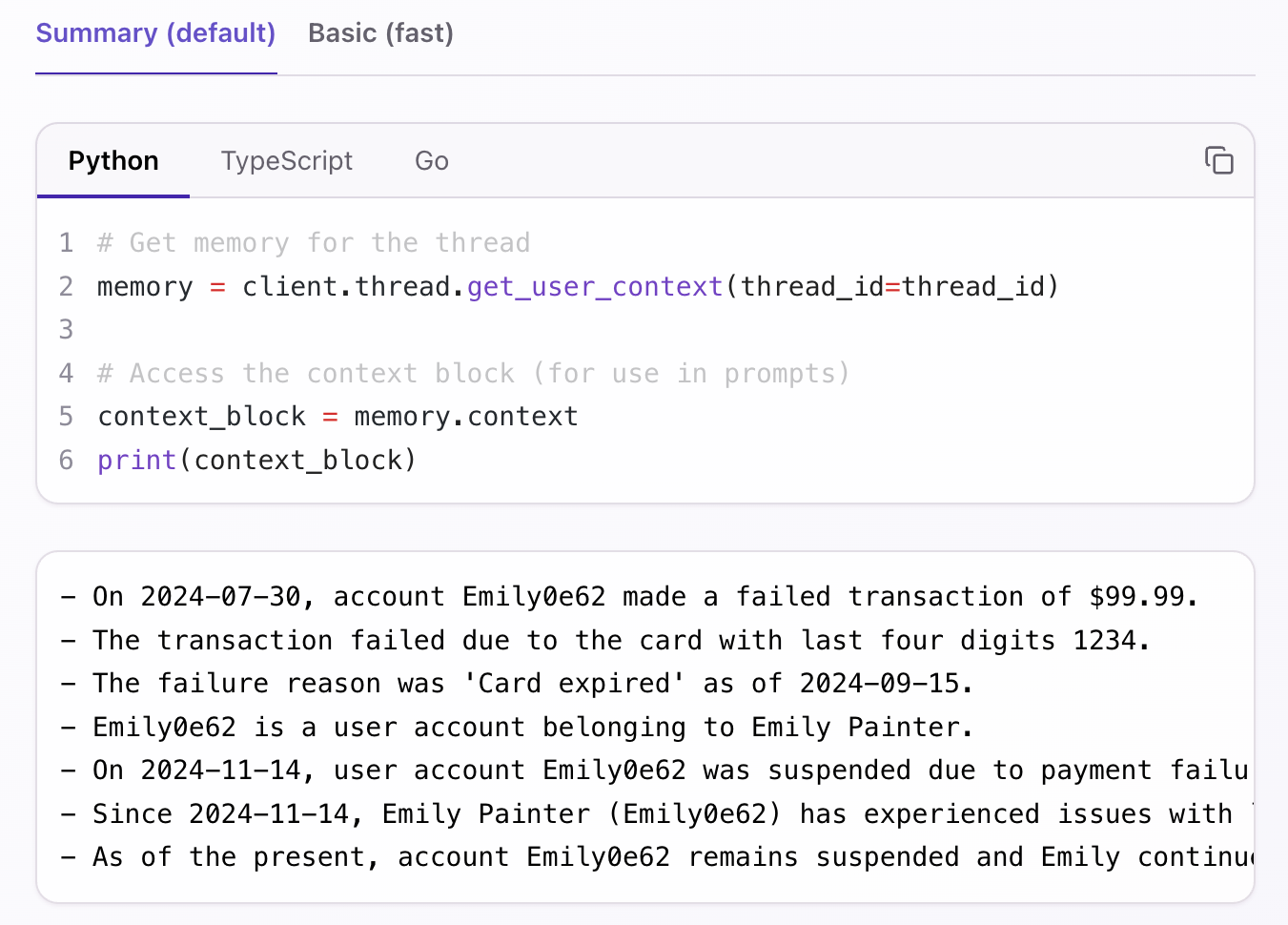
Process large datasets efficiently while maintaining temporal relationships between episodes. Upload up to 20 mixed-type episodes (text, JSON, message) concurrently with proper chronological ordering for accurate graph construction. Learn more about bulk data ingestion.
New Default Entity and Edge Types
Zep v3 introduces redesigned default entity and edge types that are more general and comprehensive. The new ontology includes 9 core node types (User, Assistant, Preference, Location, Event, Object, Topic, Organization, Document) and 8 relationship types (LocatedAt, OccurredAt, ParticipatedIn, Owns, Uses, WorksFor, Discusses, RelatesTo), providing better coverage for common knowledge graph patterns while maintaining flexibility for custom implementations.
Learn more about default entity types
Datetime Filtering in Search
Execute precise temporal queries on your knowledge graph using ISO 8601 timestamps with flexible AND/OR logic. Search across specific time periods or exclude certain date ranges to focus on relevant historical data. Learn more about datetime filtering.

Graph Cloning
Create complete copies of user or group graphs for testing environments, data backups, or experimental workflows. Clone to new user/group IDs with optional ID specification for controlled duplication. Learn more about graph cloning.
Reranker Score
Search results now include relevance scores when using any reranker, enabling manual filtering based on relevance thresholds.
Learn more about reranker scores
Next Steps
Ready to upgrade to v3? Here are your key resources:
- Migration Guide: Complete mapping of v2 to v3 method changes
- Context Retrieval Documentation: Learn about the new summarization features


